
AI assistants are becoming part of how teams operate every day. They read the docs, draft the emails, pull the dashboards. The missing piece has been direct access to the tools — not just screenshots pasted into a chat, but real actions: create a mission, update a link, export commissions, check a partner's performance.
That is what MCP (Model Context Protocol) solves. It is an open standard — originally shipped by Anthropic, now adopted by ChatGPT, Gemini, Perplexity and every serious AI client — that lets software tools expose their capabilities to AI in a uniform way. Build an MCP server once, and every AI can use it.
Traaaction now ships a native MCP server. 18 tools, one endpoint, no glue code. If you use an AI assistant, you can now operate your affiliate program from a chat window.
What the Traaaction MCP server can do
The server exposes 18 tools split across two scopes:
- 12 read tools (scope
mcp:read, granted by default):get_workspace_summary,list_missions,get_mission,list_sellers,get_seller,list_commissions,get_analytics,list_top_performers,list_payouts,list_links,list_customers,list_recent_activity. - 6 write tools (scope
mcp:admin, opt-in):create_mission,update_mission,archive_mission,create_link,update_link,delete_link. Every write call is logged in an audit trail with the AI client ID, the user, the arguments, and the outcome.
What it enables (concrete examples)
Real conversations that now work:
- “Which partner drove the most revenue last month?” → the AI runs
list_top_performersand summarizes. - “Create a new mission for our Black Friday launch, 15% recurring commission, 30-day hold.” → the AI uses
create_mission. - “Find commissions pending for more than 60 days and draft a payout batch for finance.” → the AI calls
list_commissionswith filters then drafts the email. - “Update the slug on the influencer link from /summer to /summer-2026 across all partners.” → the AI loops over
list_links+update_link.
Native support across AI clients
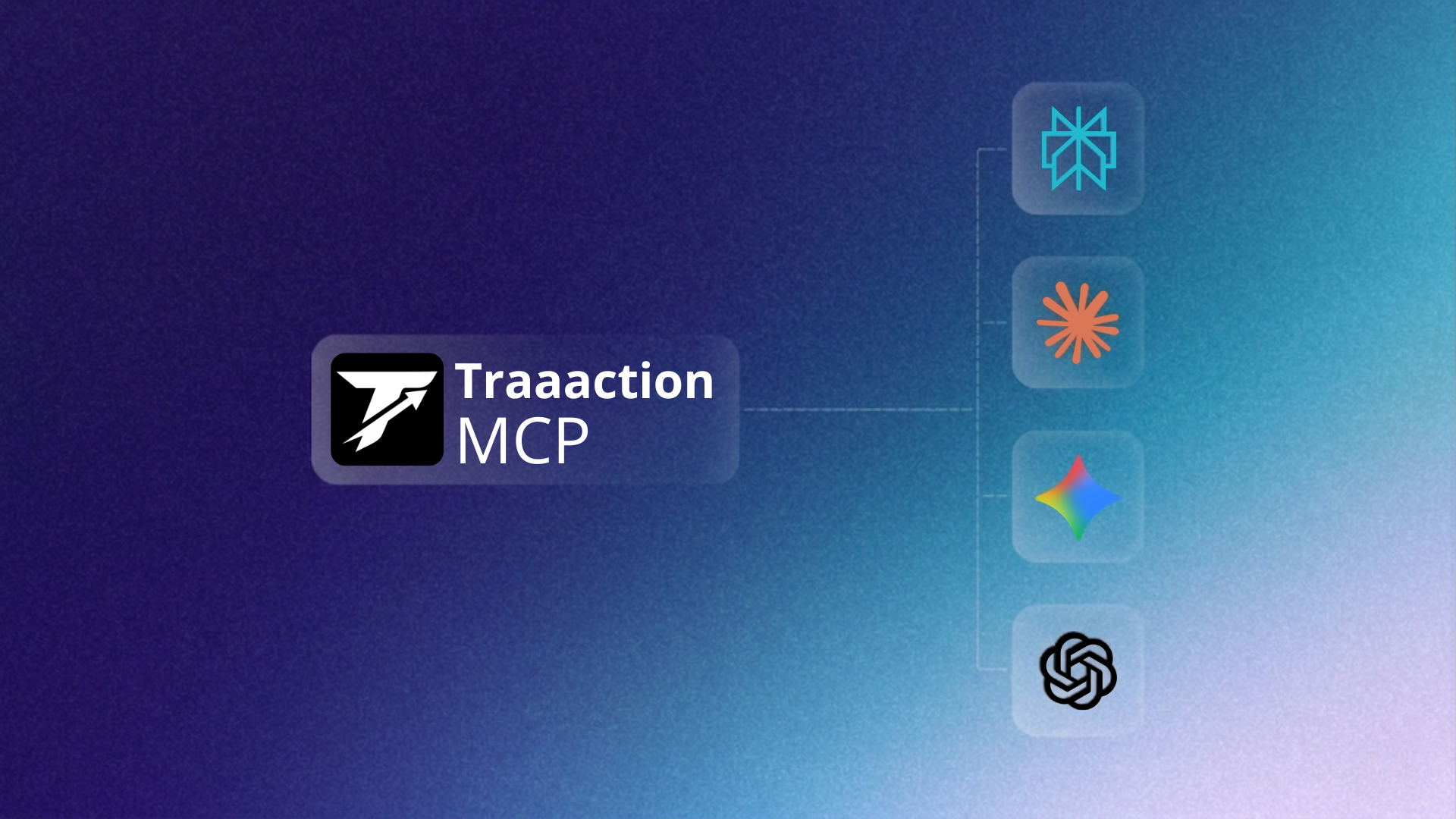
Traaaction MCP works with every MCP-compatible AI client in production today:
- Claude (Desktop app and Claude.ai web) — the reference client for MCP. Connect via OAuth on claude.ai or paste a JSON config into Claude Desktop. Setup: Claude MCP integration guide.
- ChatGPT (Team and Enterprise plans). Custom GPTs can now call Traaaction tools directly. Setup: ChatGPT MCP integration guide.
- Perplexity Pro — one of the first search assistants to adopt MCP. Setup: Perplexity MCP integration guide.
- Gemini — Google's AI with MCP via their extensions API. Setup: Gemini MCP integration guide.
Security model
Running an AI inside your affiliate program data requires thoughtful auth. Traaaction ships two modes:
OAuth 2.1 Dynamic Client Registration (DCR) for web AI clients like Claude.ai and ChatGPT. The first time you connect, Traaaction registers the AI client, shows a consent page listing the requested scopes, and returns a short-lived access token (1 hour TTL) plus a hashed refresh token (30-day rotation). The full OAuth discovery and metadata endpoints are published at /.well-known/oauth-*.
Personal bearer tokens (trac_live_*) for Claude Desktop, Gemini CLI, and any environment where OAuth is not the right fit. Generate a token in your dashboard, paste it in the client config, done. Tokens are scoped and revocable.
Every MCP request is authenticated and every write operation is appended to a tamper-evident audit log you can inspect at /dashboard/developer/mcp.
How to connect your AI in under 2 minutes
The shortest path:
- Open /dashboard/developer/mcp
- Click “Connect Claude” (or ChatGPT, Gemini, Perplexity). You will be taken to the consent page and asked whether you want read-only or admin access.
- Approve. The AI client picks up the connection automatically. Try: “List my top-performing affiliates this quarter”.
For CLI and desktop clients that use bearer tokens instead of OAuth, follow the client-specific guides above — they include the exact JSON config to paste.
What this replaces
Before MCP, “AI + affiliate program” meant one of three painful setups:
- Copy-paste CSV exports into the chat (stale data, no actions)
- Build a custom ChatGPT action with OpenAPI specs (only ChatGPT, rework needed for every AI)
- Ship a Zapier/n8n connector that wraps individual endpoints (brittle and slow)
MCP collapses all three into a single integration that works across every AI that adopts the standard — which is now, in practice, every serious AI client.
What is coming next
The server currently exposes the most-requested tools. On the roadmap: bulk operations (payout draft, mission duplication), sub-account delegation for agencies, and tool-level approval flows so an AI can propose a change and wait for a human to confirm before writing.
Ready to try it
Traaaction MCP is live today on every plan, including the free tier. Open the developer console, pick your AI, and start running your affiliate program from a conversation.
Further reading: the full MCP announcement on the help center, the API & SDK feature page, and our pricing — start free up to €500 of affiliate revenue per month, MCP included.
Frequently asked questions
What is the Traaaction MCP server?
A remote HTTP Model Context Protocol server at /api/mcp, exposing 12 read tools and 6 write tools so any MCP-compatible AI client can operate your affiliate program directly.
Which AI assistants support it?
Claude (Desktop + Web), ChatGPT (Team/Enterprise), Perplexity Pro, and Gemini. Any MCP-compatible AI can connect.
How is the MCP server secured?
OAuth 2.1 DCR for web clients, personal trac_live_ bearer tokens for CLI/desktop. Read and admin scopes are separate. Every write is logged in an audit trail.
Can the AI modify my program without approval?
No. Default scope is read-only (mcp:read). To allow writes, you explicitly grant mcp:admin via the consent page. Revocable at any time.
Is there a separate cost?
No. MCP is included on every plan, starting with free. No usage-based pricing, no extra charge per tool call.